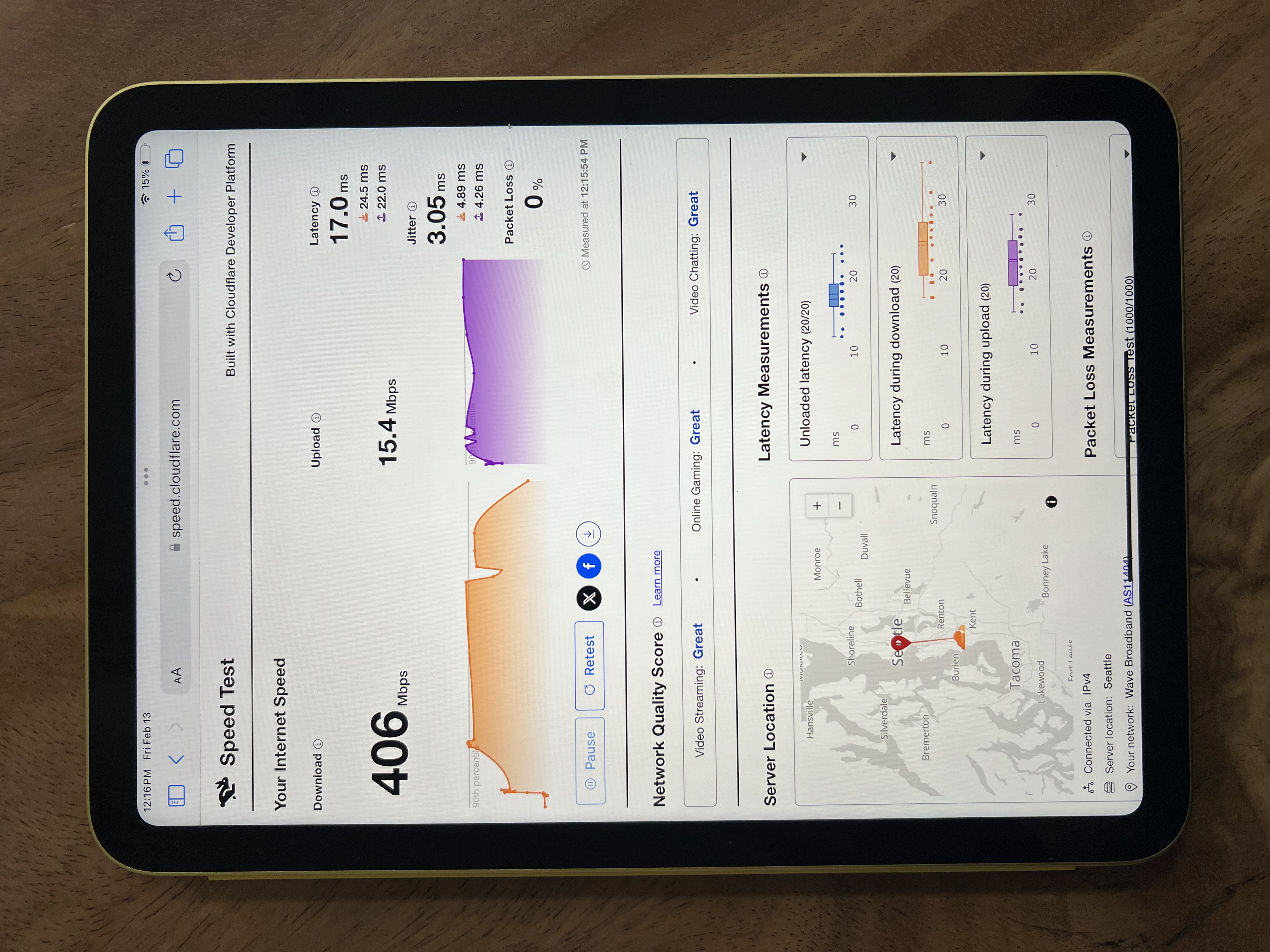
Internet speed test
Edited
If your facility is experiencing slow load times in the Ripen app, the first troubleshooting step is to determine if the iPad has a sufficient internet connection. This method works for both Wi-Fi connections as well as cellular connections.
Steps
Move to one of the locations in your facility where you commonly use the Ripen app
Open the Safari web browser on the iPad
Navigate to https://speed.cloudflare.com/ or another speed test service
Once the test is complete and results are visible, send a photo of the iPad screen (or a screenshot) to ripen@strellabiotech.com including your name and the name of your facility