How to Navigate between Rooms
Edited
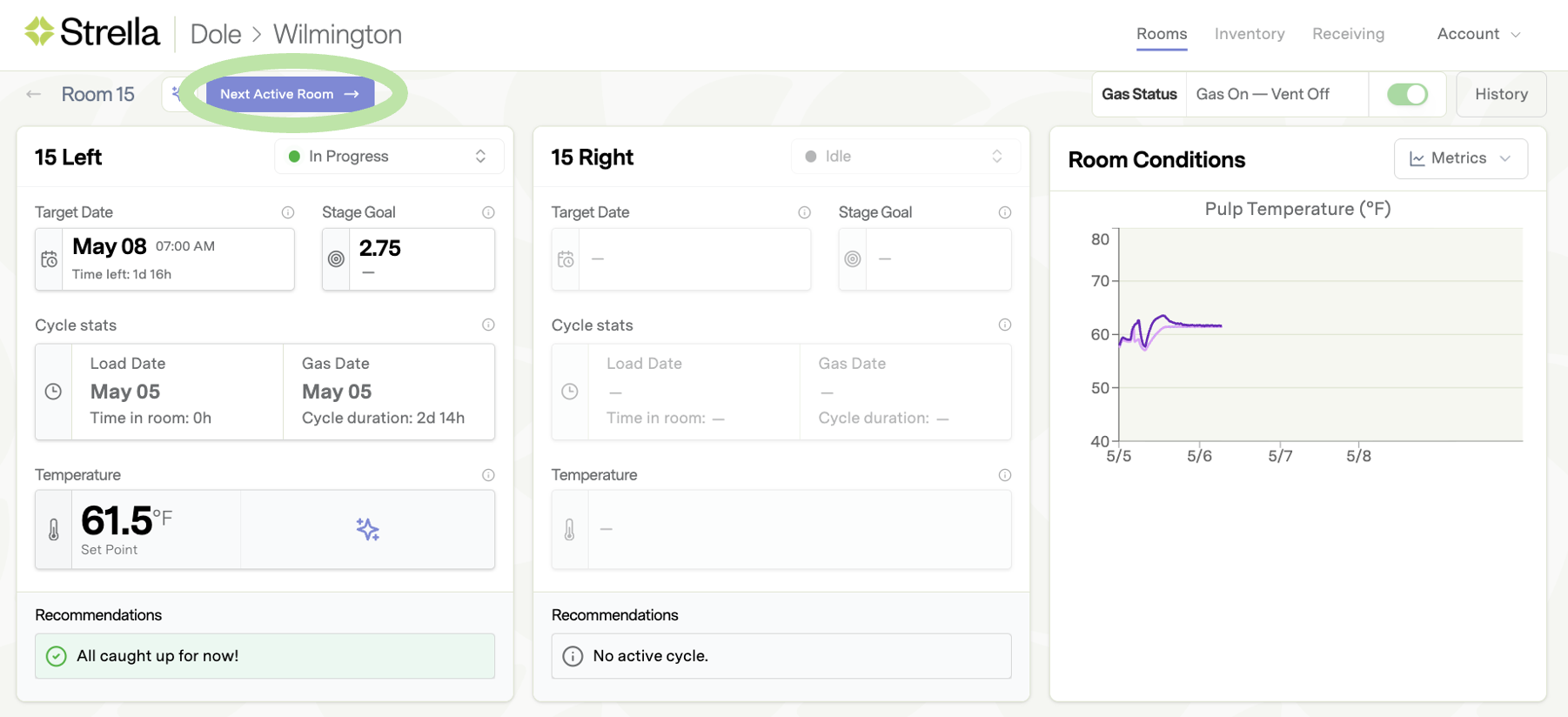
You can navigate between rooms without returning to the overview room page. Use the "next active room" button to move to the next room chronologically as shown on the overview page. It will skip rooms without product assigned to it in the app. All active and partially loaded rooms will populate when using the feature.
The last room on the landing page will loop back to the first room. For example, if a facility has 10 rooms numbered 1 through 10, Room 10 would navigate back to Room 1 or the next room in chronological order with product in it or an active cycle running.