
Cycle Note Categories
This article explains which cycle note category to select and what details are expected in the message text box to help standardize entries and reporting. See How to Enter a Cycle Note for detailed directions on how to access and use this feature.
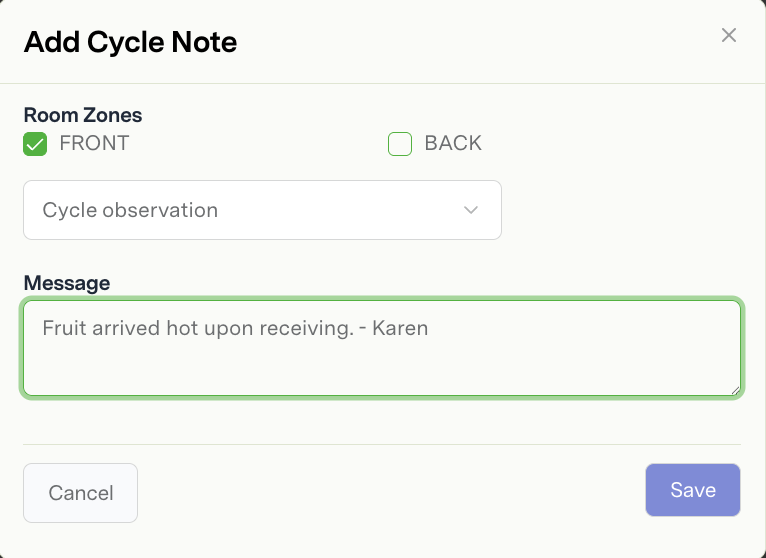
Category | Provide Explanation in Message Text Box | |
1 | Cycle observation | General category used to make notes, observations, and recommendations about ripening or cycle management by on-site ripeners or Strella. |
2 | Abnormal ripening progression | Observations about how the fruit is ripening relative to ripener expectations. This could include color or pressure evaluations. |
3 | Disagree with ripening strategy | Explain any concerns you have such as temperature or cycle length selections. |
4 | Demand change | Explain the direction of sales (increase/decrease) and the impact on the shipment plan. Did it cause an early or late shipment, switch of rooms, or change in color goals? |
5 | Change due to ripening | Explain whether fruit is moving too fast or too slow and the impact on the shipment plan. Did it cause an early or late shipment, switch of rooms, or change in color goals? |
6 | Supplier issue | Note any receiving issue or inventory changes |
7 | Fruit will ship over multiple days | Will the fruit ship over more than one day? Will the fruit sell at a different stage goal the following day? |
8 | Room or operations issue | Explain the observation, where it is located, and if there are any resolution plans. |
9 | Room is ready for gassing | Used to indicate if room is not ready for gassing |
10 | Room is not ready for gassing | Used to indicate if room is ready for gassing |
11 | Image QC feedback | Option to add additional notes about the QC image prediction results |
12 | Other | Use this category if no preceding options are a good fit. If a new category is needed, talk to your account manager. |